For creatives & creators
Make Ready Studio
From any picture to a ready-to-make file.
Drop in your picture. Get clean black-and-white artwork with no background, ready for Cricut, Silhouette, DTF, sublimation, laser and more.
How it works
1. Drop your picture
Photos, logos, sketches or PDFs. The background comes off automatically.
2. Clean it up
Photos get redrawn as crisp 2D line art. Slide to tune detail, smoothing and specks.
3. Download & make
Closed, smooth shapes with no stray lines — ready to cut, print, press or engrave.
Free try
Test it on your own image
One image and one download on us — no account needed.
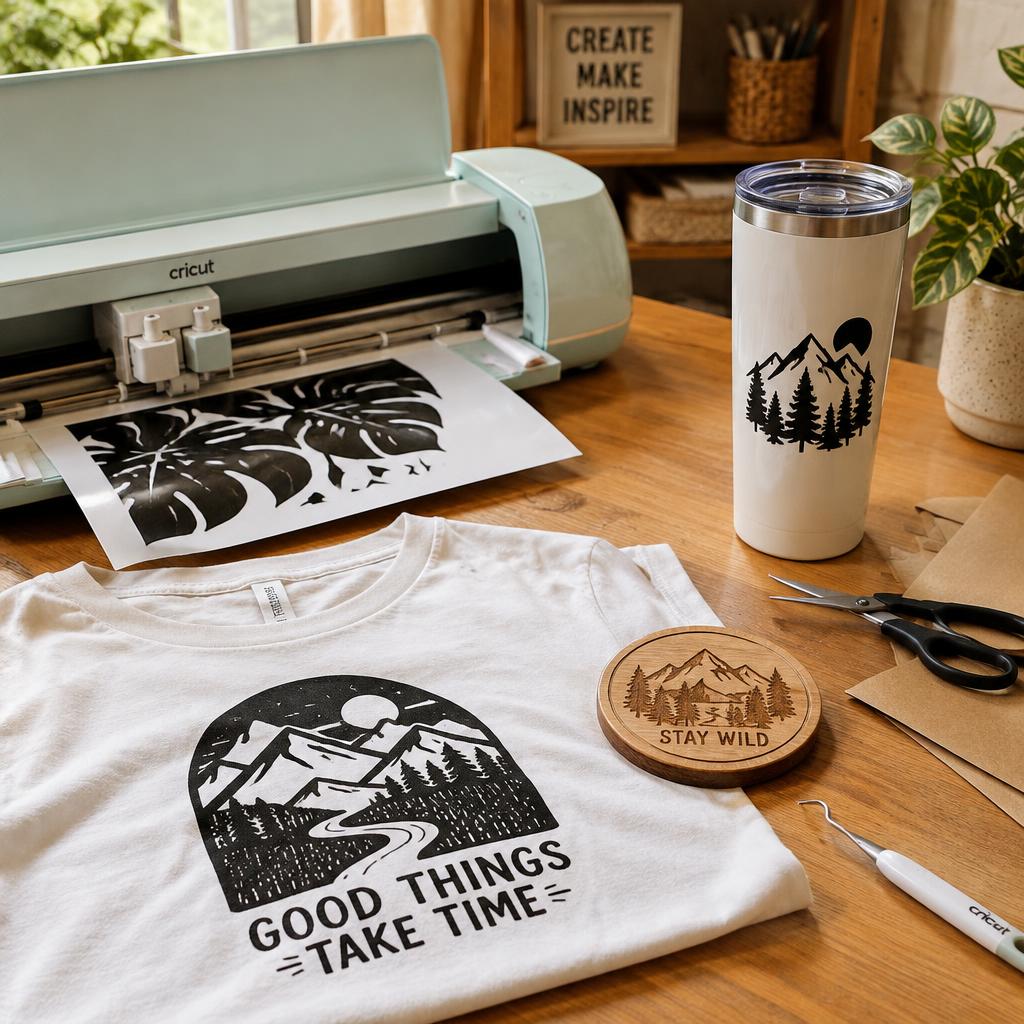
Works with the tools you already use
- Closed shapes, smooth nodesEvery outline is a sealed curve — no open ends, no double lines.
- Cricut, Silhouette & vinylClean single-layer SVGs that weld and weed easily in Design Space and Silhouette Studio.
- DTF, sublimation & printCrisp black-and-white PNGs on a transparent background — no white box behind your art.
- Laser, CNC & layered piecesClosed cut lines for engraving, plus stacked layers for papercut and 3D projects.
- SVG, DXF, EPS or PNGPick the format your software prefers — CorelDRAW, LightBurn, Illustrator and more.
Studio membership
$7 / month
- Unlimited conversions
- All four file formats
- Up to 50 AI photo redraws a month
- Your past projects, saved
- Cancel anytime
Questions
What machines and software does it work with?
Cricut Design Space, Silhouette Studio, CorelDRAW, LightBurn, Illustrator, Canva and DTF or sublimation printing workflows — anything that takes SVG, PNG, DXF or EPS.
What happens to my photos?
Background removal and tracing happen right in your browser. Photos are only sent out for the optional AI redraw step.
Can I cancel?
Anytime, from your account page. Access ends as soon as you cancel.
Are my old projects kept?
Every download is saved to My projects so you can reopen or re-download it later.